Time Off
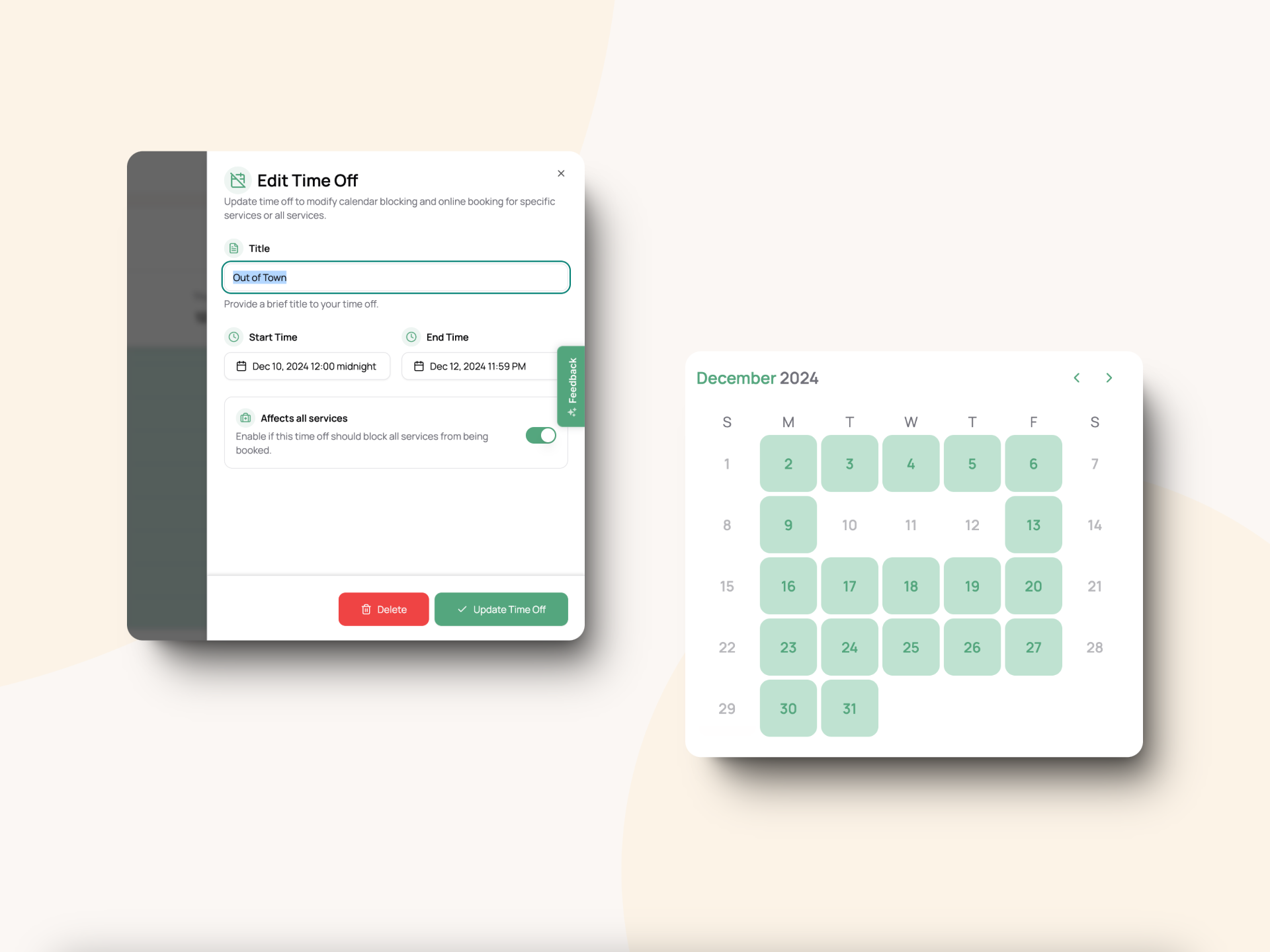
Add Time Off from the Calendar:
Now you can block out specific dates and times directly from your calendar when you’re unavailable.
Specify Services Affected:
Choose which services the time off applies to—perfect for customizing availability based on your business needs.
Automatic Online Booking Updates:
Any time off you add will automatically update your online booking availability, ensuring your clients always see the most accurate schedule.
How It Works:
Go to your Calendar.
Click on a date and select Add Time Off.
Fill in the details:
Start and end times.
Select services affected.
Save, and your schedule will update automatically!
Other Changes:
Calendar redesigned to have a more clean and modern look
Bug fixes