Introducing Visit Report Cards!
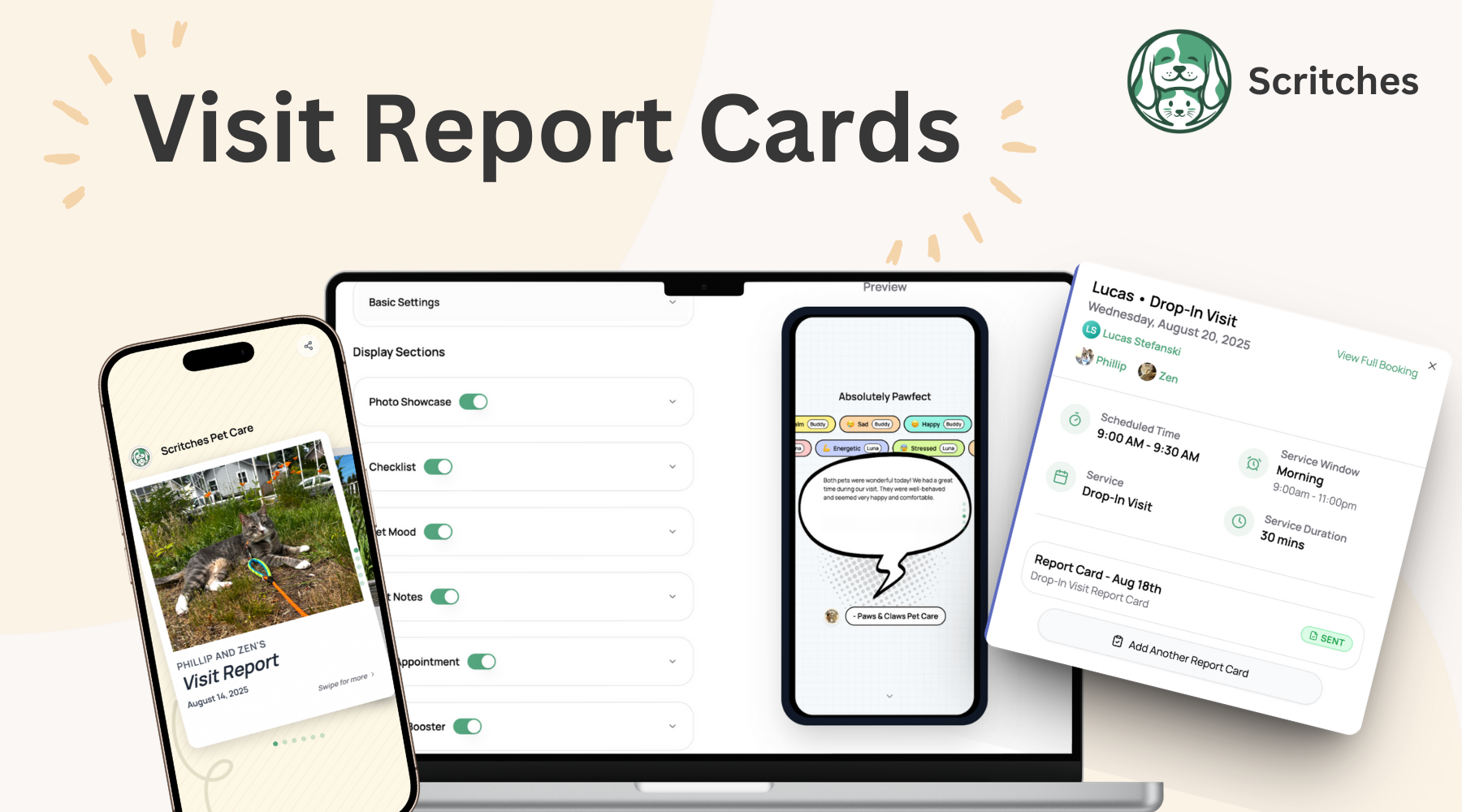
Sending visit updates should feel delightful, not like homework. Pet parents want to know how things went, see a happy face or two, and feel confident about what’s next. Report Cards make that easy. They’re clean, friendly, and built to turn “How was the visit?” into “Aww, that’s perfect.”
With Report Cards in Scritches, you can share exactly what matters and skip what doesn’t. Photos, checklists, moods, notes, and even next appointment booking & review requests to invite pet parents into action.
How It Works

After a visit wraps up, open the booking and create a Report Card from the calendar event or the booking details page. For stay-based bookings like overnights, boarding, and daycare, you can send as many Report Cards as you want during the stay. Think nightly updates, morning check-ins, or a final summary at pickup.
Each Report Card can include:
Photo showcase
Visit checklist
Pet moods like happy, calm, anxious, playful
Freeform visit notes
Next appointment info with a clear Book Now call to action
Review Booster integration so you can invite feedback when the moment feels great
Every section is optional. Turn pieces on or off to match the visit and your style.
Customizable for Every Service
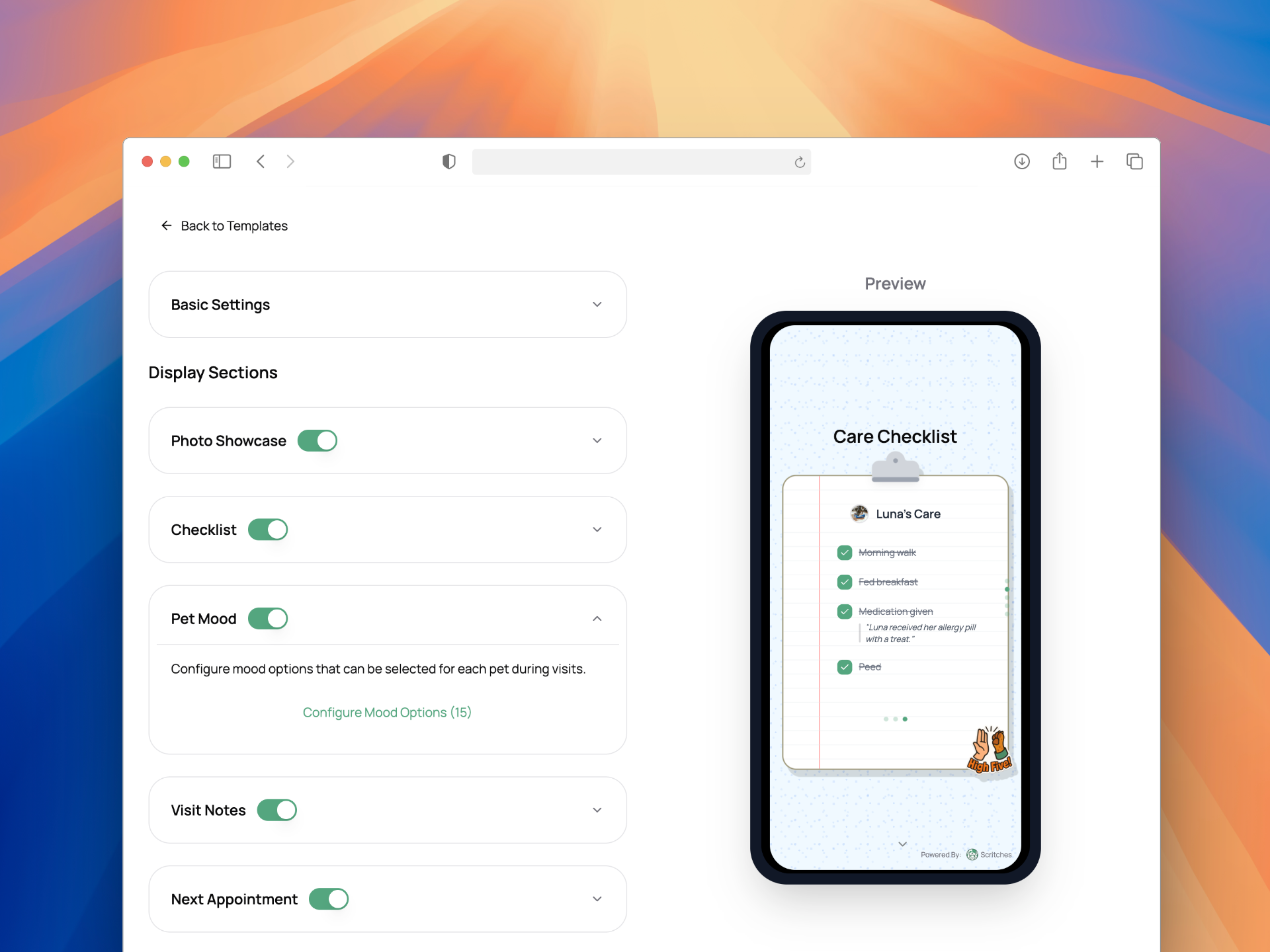
Create Report Card templates for different services so you never start from scratch. A dog walk can have a tailored checklist and mood set, while a cat drop-in can focus on litter box, feeding, and enrichment. Templates help you stay consistent while still feeling personal.
You control the layout too. Customize sections, hide what you don’t need, and focus attention on the story you want to tell.
Designed For Delight & Momentum
These Report Cards were built mobile-first. Photos load quickly, text is easy to read, and buttons are sized for thumbs. Pet parents get a polished, modern experience that makes your care feel premium.
The next appointment section lets you keep pet parents in the loop and includes a Book Now button that points them right where they need to go. Fewer back-and-forth messages, more confirmed bookings. And when you enable Review Booster inside a Report Card, you can gently ask for a rating once the good vibes are high. Positive reviews can flow to Google, Facebook, Yelp, or Nextdoor, while private feedback still comes straight to you so you can improve with confidence.
Quick Start
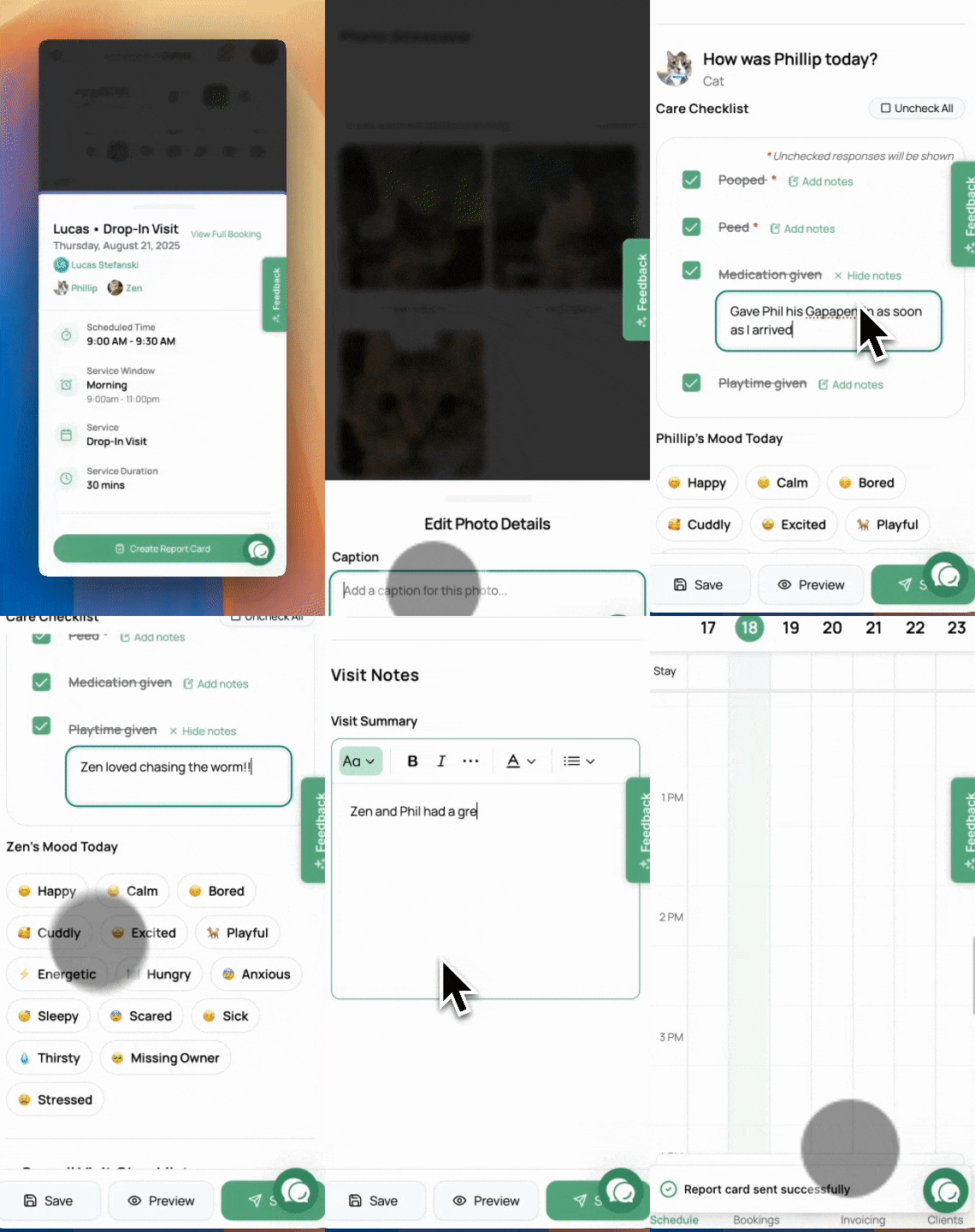
Open any booking, then choose Create Report Card from the calendar event or the booking details page
Pick a template or start fresh
Add photos, check items, & jot notes
Preview to make sure everything looks perfect, then send the report via email!
In Other News
Here are some other improvements I’ve made along the way:
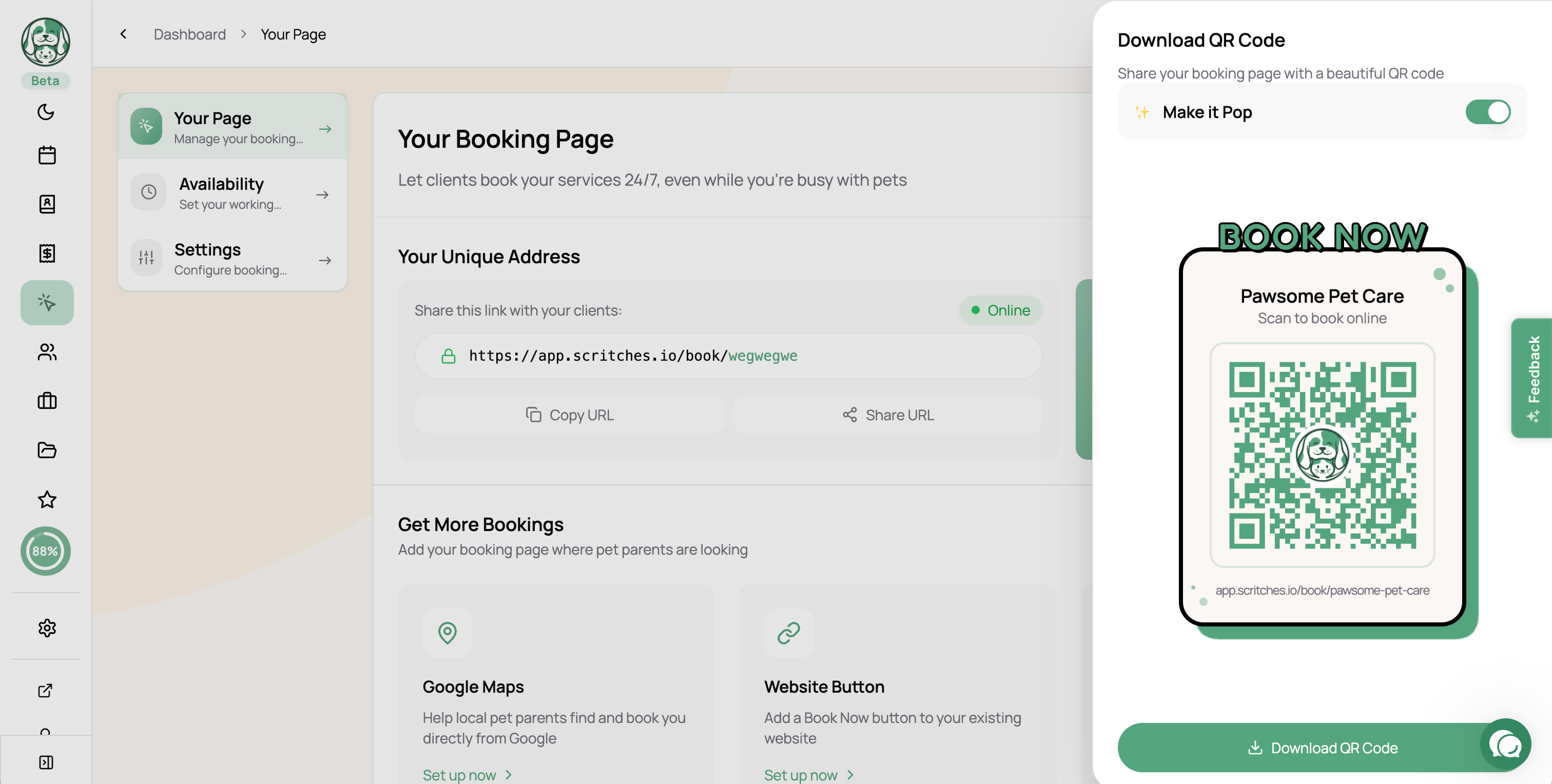
Get a QR code for your online booking page
Update the bookings display for better management of pending/upcoming/in progress bookings
Improved design of the Clients page
Added Nextdoor as an external site to the Review Booster
Minor improvements to the calendar view for better tracking of dates
As always, more UI tweaks and bug fixes
See an Issue or Have Feedback?
I try to make everything perfect before releasing, but the reality is that things will be missed. If you see any issues or have ideas for improvement, head over to the Feedback Forum and let me know!
That’s all for now folks ✌️