Intake forms not appearing on booking page
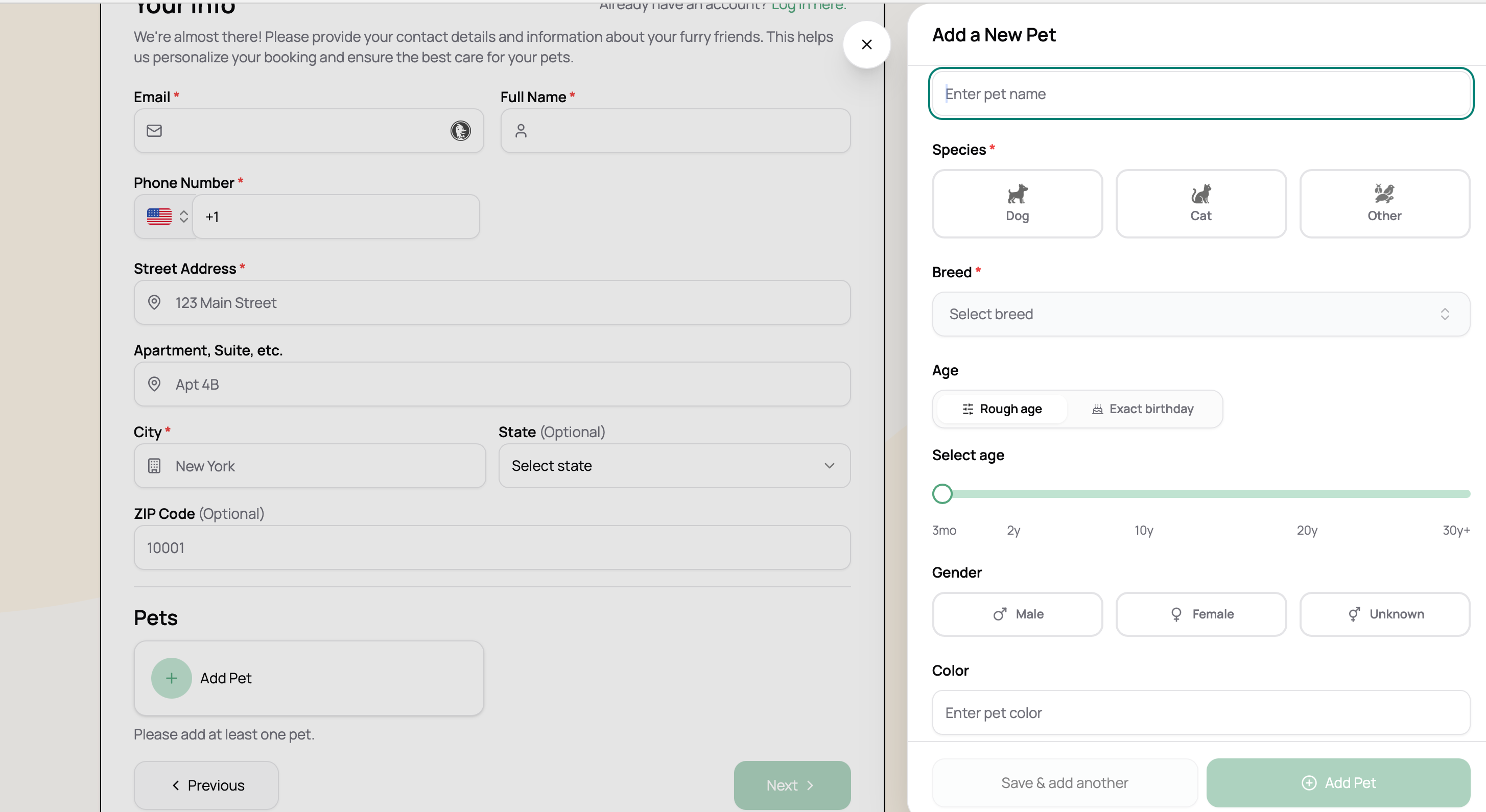
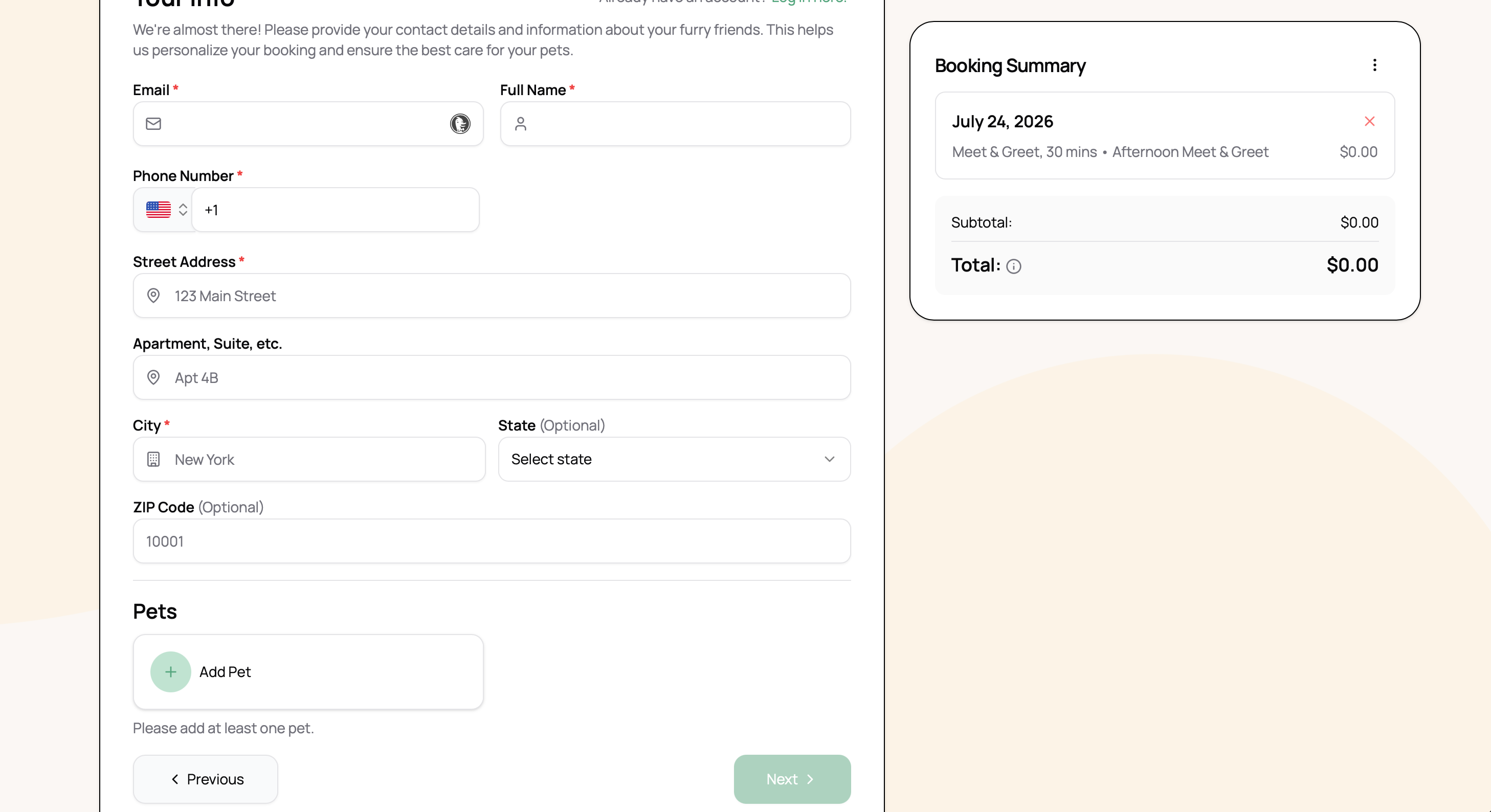
I created an intake form for both the people and their pets with many required questions. However, when you go to my booking page it doesn’t ask those questions, just a few basic ones. So there are two problems here:
1) non-clients can book services - this should not be the case. They should be required to create an account and also be required to complete the intake form I created so I have all the needed information for their pet care.
2) anyone can book services without completing the required intake form. They should only be able to complete the intake form and all required questions before being able to create an account, which is the setting I have configured on my account. However, it’s not what’s showing at booking.
Log in to comment and vote
Comments2
Lucas Steflor
Jul 22
Hey @Elizabeth Friedl . I see that your Intake form isn’t assigned to any services for online booking. Forms aren’t automatically enabled for online booking, as they can be used standalone outside of online booking, or for only specific services in online booking.
Once assigned, the form should appear, and clients will be required to complete it. Then, when they make a booking, an account for them will automatically be created with the intake information for you to see on your side.
Elizabeth Friedl
Aug 2
But really these aren’t even intake forms, they are profile components and should be attached to client and pet profiles, not individual services. I am not going to ask my clients to add the same information each time they schedule services, and since they can’t schedule more than one service type at a time they are going to have to repeat this information for each service too. I really need to be able to require certain information in a profile when a client sets up their account and that doesn’t seem to be an option here.