Recurring bookings not generating invoice
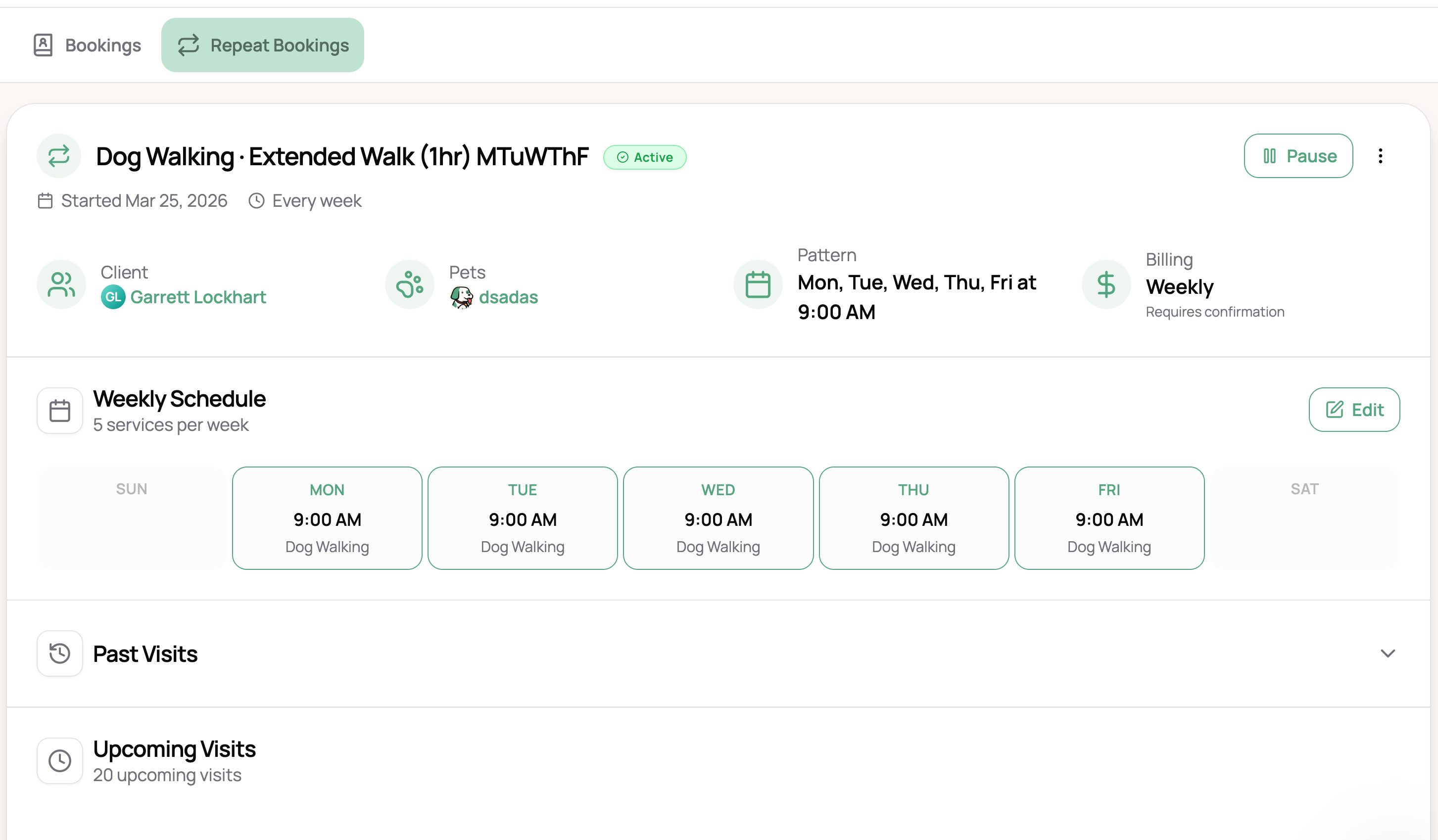
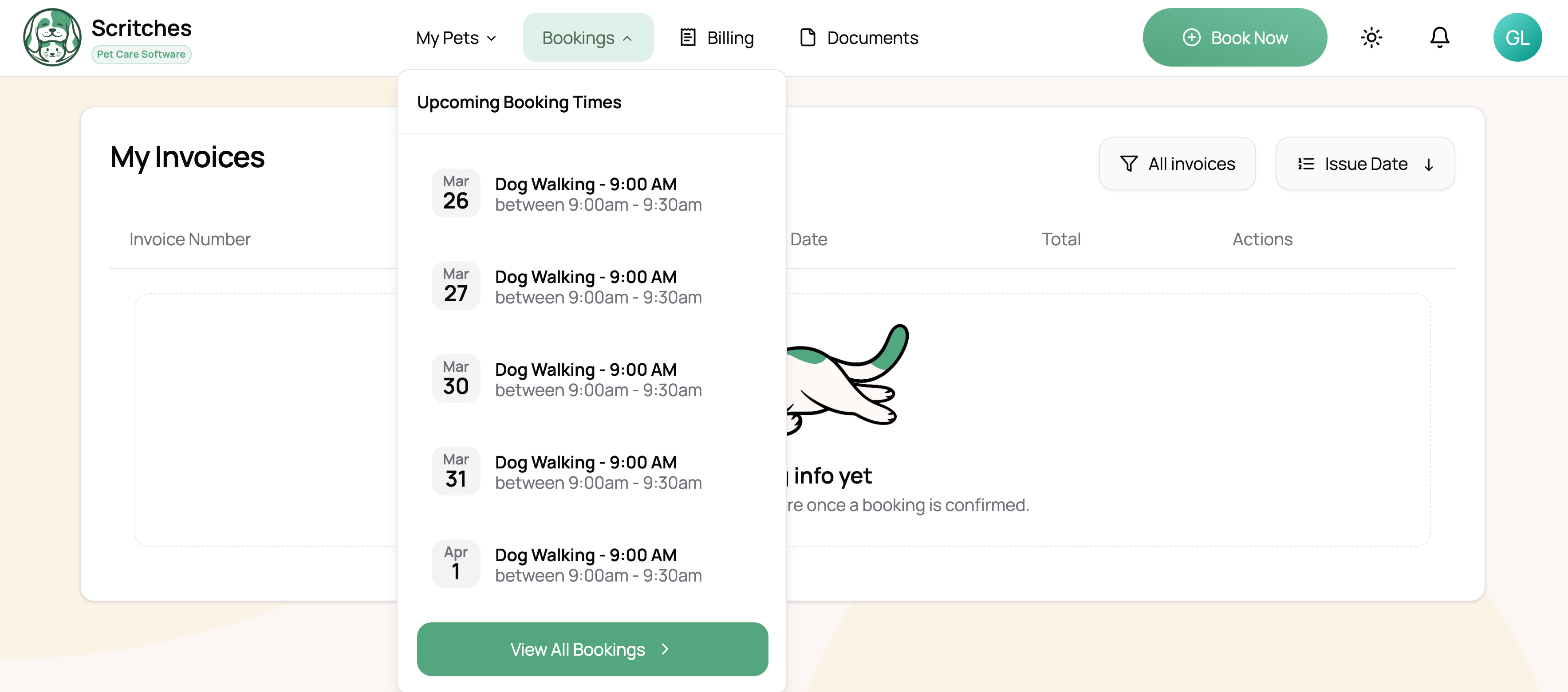
After creating a repeat booking billed both weekly and monthly, it seems there isn’t an invoice associated with the bookings and I don’t see an option to add to an invoice.
Typically I send the invoice before I confirm a booking (just so I know the booking has received payment). I wasn’t sure if it would be possible to send out the invoices before confirming in a repeat booking scenario.
Log in to comment and vote
Comments5
Lucas Steflor
Mar 27
@Garrett Lockhart The new pattern of immediately generating invoices has been added. Existing repeats should auto-reset to this pattern within 24 hrs. New repeats will all follow this, so you can remake existing repeats if you’d like to have the invoices sooner.
Let me know if you have any issues with this!
Lucas Steflor
Mar 26
Hey @Garrett Lockhart , thanks for calling this out. I can see how that would feel confusing in the repeat booking flow.
Right now, weekly and monthly repeat bookings are grouped into invoices at the end of billing periods, which is why you are not immediately seeing an invoice generated at the time the repeat is created. That setup makes it awkward for workflows like yours where you want to send the invoice first and collect payment before confirming the booking. I agree that being able to invoice earlier in that scenario is important.
I’m already updating this so that weekly and monthly repeat bookings generate their invoices right away as drafts, grouped by billing period, instead of waiting until the billing period closes. That will make it much more natural to review the invoice, send it out, and collect payment earlier in the process.
I’ll let you know when this change is ready.
Garrett Lockhart
Mar 27
Got it, thank you!
is there a possibility of adding bi-weekly billing in addition to having weekly and monthly?
Related: Do repeat bookings recognize blocked out dates as being unavailable? For instance I notice a repeat booking would still schedule through, it would be great to have those dates automatically excluded from the booking.
Lucas Steflor
Mar 27
Good questions. On both of these:
Biweekly billing
Can you tell me a bit more about your setup? Are you looking to bill every two weeks specifically, or is it more that your visits happen biweekly and you'd like each invoice to match that cadence? Monthly billing could cover you if it’s the latter.
Blocked dates & availability
Repeat bookings will still generate visits on dates you have blocked time, and that's intentional. Repeats are meant to be a commitment to your client, so we don't want visits to silently disappear if your availability changes. Instead, the intention is that you'll see the conflict on your calendar and can decide to cancel, reschedule, or adjust your time off.
Similarly with booking limits and service windows, repeat visits will still generate even if your daily limit is reached or a service window is full. They'll count toward those limits, though, so other bookings won't be able to fill that slot. This way, your repeat clients always keep their spot, and the limits protect you from getting overbooked on top of them.
That said, I think it would be helpful if this information surfaced better, so you get a heads-up when a repeat visit intersects with any of these. Does that make sense?
Garrett Lockhart
Mar 27
I currently have one of my clients schedule 2 weeks worth of walks at a time and he’ll just rebook, even though I walk their dog every weekday; the reason being is sometimes they won’t need me or my availability changes etc.
And at least to me 1 month of walks feels like a large commitment on both ends, however I’d likely switch to monthly billing as bi-weekly invoicing can be more tedious and because they are a working professional can get busy and forget to rebook.
Okay yes that makes sense, the availability makes sense because I can just adjust in the repeat booking section for dates that may have conflict etc.
I will test this out this weekend and see how it goes!