Another example of how my clients are not getting the correct booking information
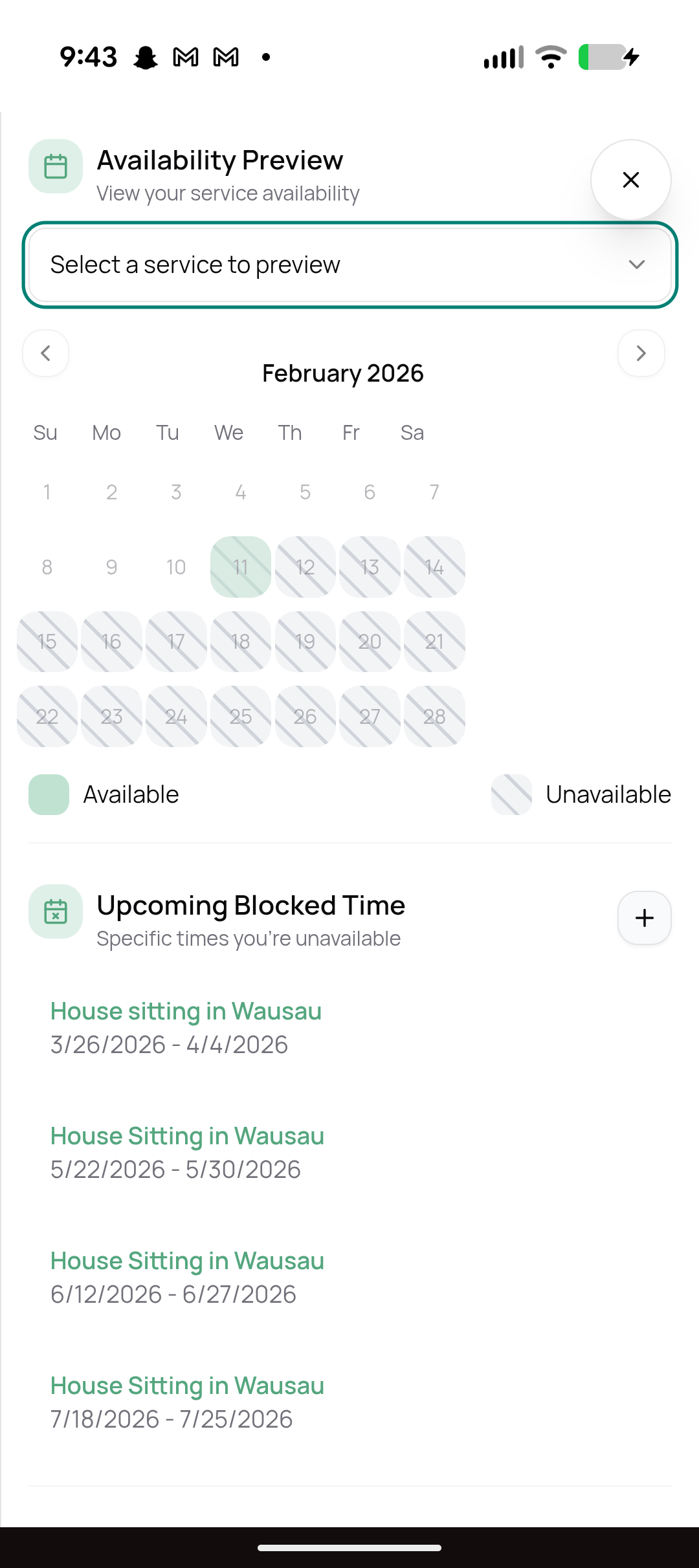
I tried to change drop in services to three a day. Chose “book only this service when the limit is reached” and now it's showing I'm not available for the rest of the month.
This is really inhibiting my business. I would like the calender to show when I have other scheduled care. That's it.
Log in to comment and vote
Comments2
Lucas Steflor
Feb 18
Hey @Shannon Goebel .
As @Jackie Searle said, this “Availability Preview” calendar on your settings page isn’t the best. I actually just pushed a change to remove it altogether, as it’s hard to keep all the availability settings synced here.
Your client-facing booking page should always be the source of truth for availability. My hunch is that the incorrect availability you’re seeing in the screenshot only occurs on this settings page, but if you’re seeing it on your booking page as well, then please let me know!
Jackie Searle
Feb 18
This is kind of wonky about the calendar. I had this issue too, but if you go to the booking page and click a particular service it may show you available from the client perspective. Or at the top of that view you have screenshotted, change “Select Service to Preview” at the top and see if it changes your availability based on a specific service.